
If you collect or play retro video games, sooner or later you will run into two words on the box or in a listing: NTSC and PAL. They describe the video standard a game or console was built for, and getting it wrong is the most common reason a “working” cartridge shows a rolling picture, strange colors or simply refuses to start. This guide explains NTSC vs PAL in plain terms and shows you how to check compatibility before you buy.
What NTSC and PAL mean
NTSC and PAL are analog TV standards. Consoles from the 70s, 80s and 90s sent their picture straight to a TV, so every game was designed around the standard used in the country where it was sold.
- NTSC was used in North America, Japan and some other countries. It runs at about 60 frames per second (60 Hz).
- PAL was used in most of Europe, Australia and many other regions. It runs at 50 Hz with more lines per frame.
- A third standard, SECAM, was used in France and parts of Eastern Europe.
Because games were programmed around that timing, a game made for one region can run at the wrong speed, show the wrong colors or lose its picture altogether on hardware from the other region.
NTSC vs PAL compatibility by console
Atari 2600
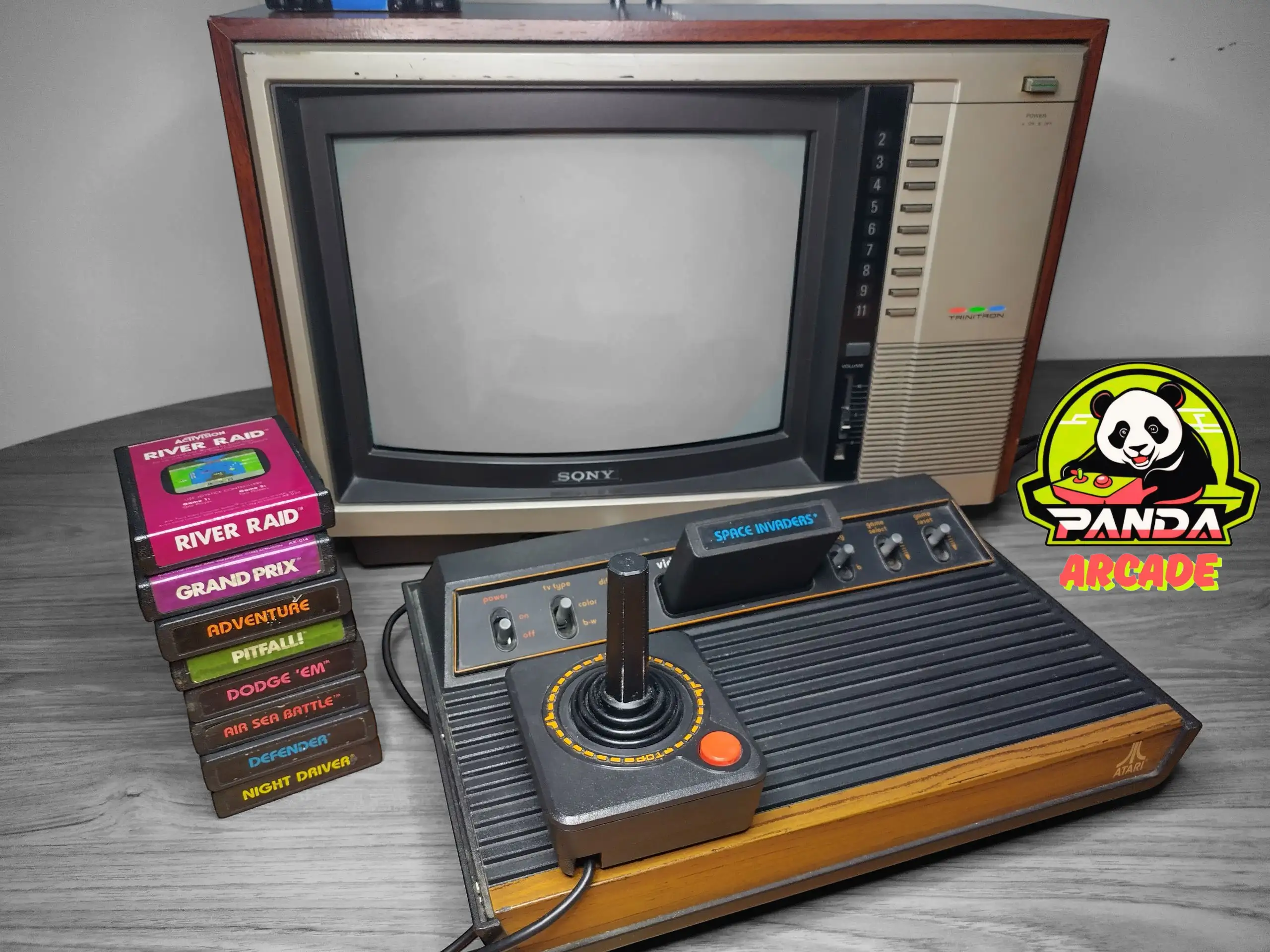
Atari 2600 cartridges fit any 2600 console, because there is no region lock. The problem is the picture: a PAL cartridge on an NTSC system (or the reverse) usually shows wrong colors, a black-and-white image or a picture that rolls. For the best experience, match the region of the game to your console. Browse our Atari 2600 games; the region is stated in each title.
Atari 8-bit computers and Commodore 64
Computers such as the Atari 400/800/1200 and the Commodore 64 and VIC-20 were also sold in NTSC and PAL versions. Many programs run on both, but software that depends on precise timing can run too fast, too slow or not at all on a machine from the other region.
Nintendo NES and Famicom
The NES uses a lockout chip, so a cartridge from another region normally will not boot on an unmodified console. The Japanese Famicom uses a smaller 60-pin cartridge, while the NES uses a 72-pin cartridge; Famicom games need an adapter to play on an NES.
Super Nintendo and Super Famicom
North American SNES cartridges have a different shape from Japanese and European cartridges, and the console also checks the region with a lockout chip.
Sega Genesis and Mega Drive
Many Genesis and Mega Drive games play across regions, but Japanese cartridges have a different shape and some games check the region in software.
Your TV and power supply matter too
- Many modern TVs accept both NTSC and PAL through the composite (AV) input, but RF input support varies. Check your TV manual before you buy a console from another region.
- Consoles from the US and Japan expect 110–120 V, while European and Australian models expect 220–240 V. Always use the correct power supply or a proper step-down transformer.
How to buy retro games that work
- Check the region of your console (look at the label underneath or the power supply).
- Read the region in the listing. At Panda Games, the region (for example NTSC) is written in the product title.
- Match the game, the console and the TV, or use proper adapters for systems that allow it.
- If you are not sure, contact us before ordering and we will help you check.
Ready to find your next game? Explore our retro video games and classic consoles, and read our guides on how to clean and store retro cartridges and what New Old Stock (NOS) means.
[…] buying, also check our guide on NTSC vs PAL to make sure the game works with your […]